June 15, 2026—5 min
Viafleet (Viasat France)
1. Log in to the admin account on Viafleet Portal
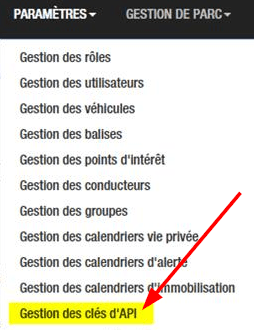
2. Go to “Settings” menu and select “API Key Management”
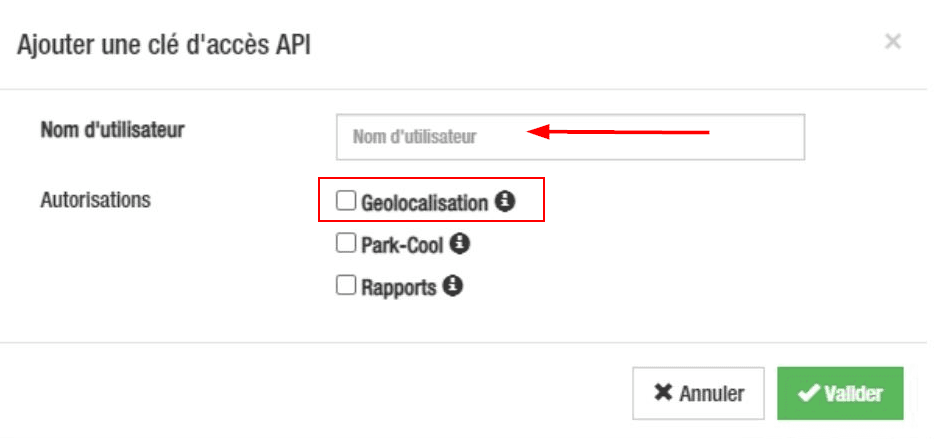
3. Click "Add API Access Key"

4. Enter a connection name, e.g. “CO3” and check “Geolocalization”
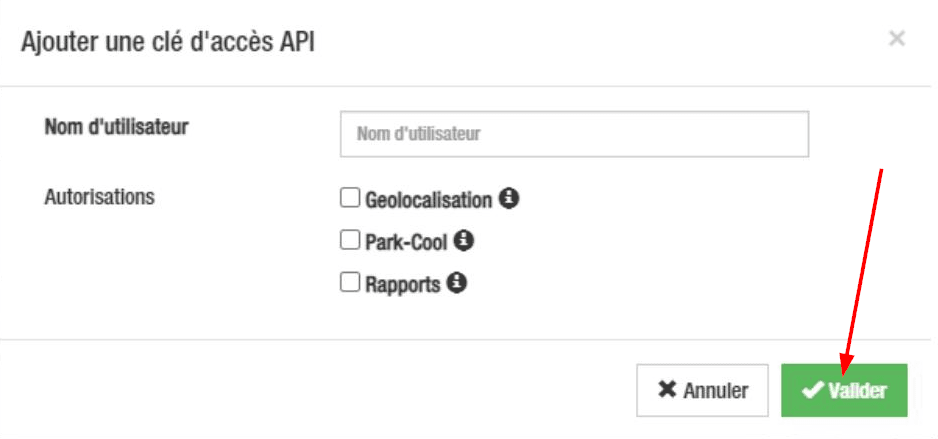
5. Click “Save”
6. To generate a sharing link for the key, click the blue “Generate” button

7. Click “Copy”
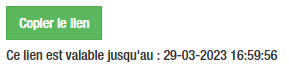
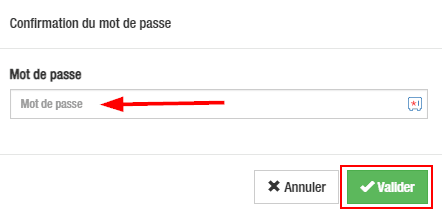
8. Enter your password to confirm the key copy and click “Save”
9. Share the copied link with CO3 at carrier@co3.io
Do you have questions?
Contact us at carrier@co3.io