June 15, 2026—5 min
Verizon Connect
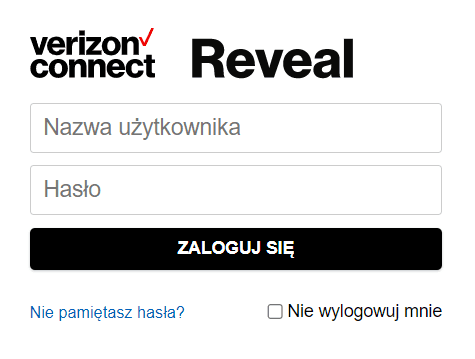
2. Log in to your account
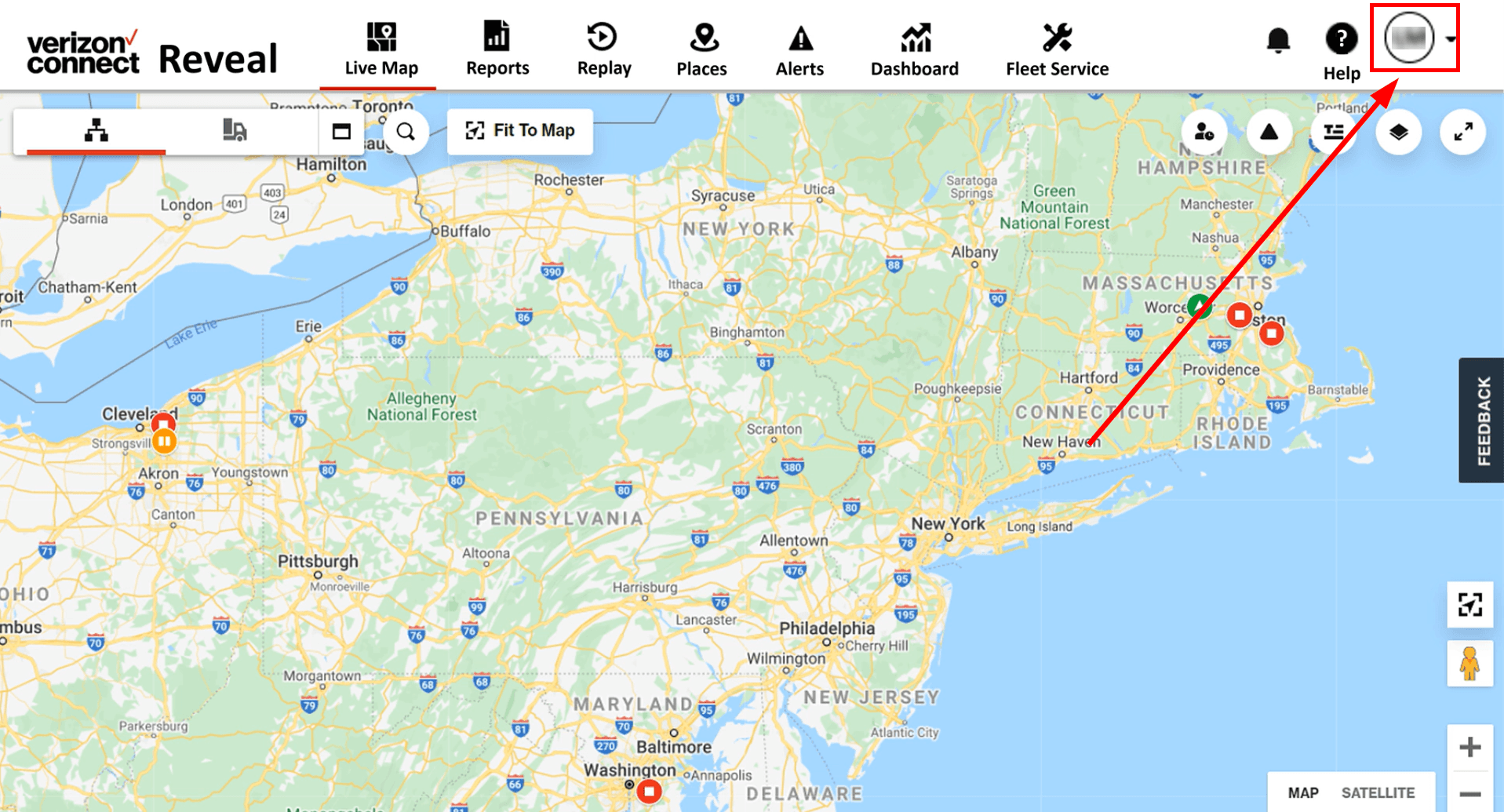
3. Click on your avatar
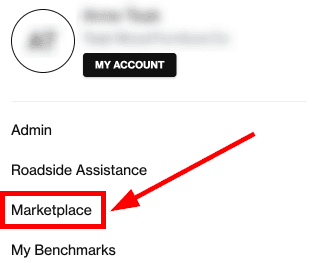
4. Select “Marketplace”
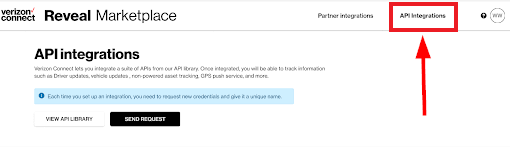
5. Select “API Integrations”
6. Click “Get started” under "Give data access"
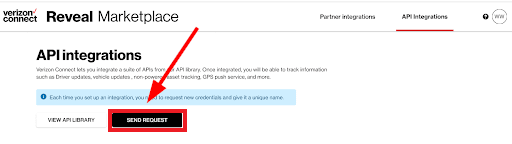
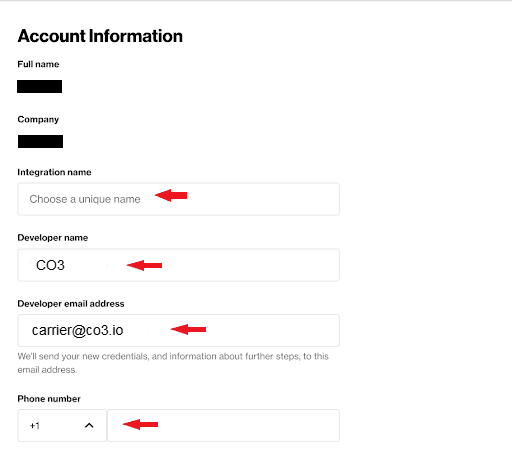
7. Fill in the required data In the “Developer email address” field enter “carrier@co3.io”!
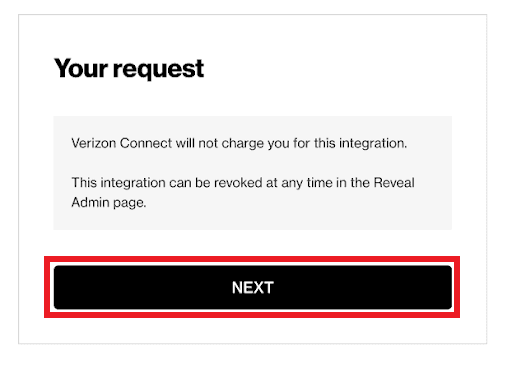
8. Check the box to grant access

9. Click "Next" on top of the page
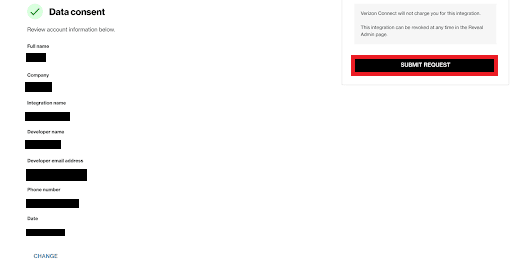
10. Verify your data before submitting. Click "Submit request" to continue, or "Change" to make corrections
11. Wait for CO3 to confirm the integration
Do you have questions?
Contact us at carrier@co3.io